Add a Photo for Each Performer
Use one clear, front-facing image per side. Waist-up shots with good light and no other faces in the frame work best.
Your photos. Your rap duo.
MigosAI is an AI rap duo video generator for the Hotel Lobby trend.
Use your own song? Start hereAdd one clear, front-facing photo for each person.
JPG, PNG or WebP · Up to 10 MB each
HOTEL LOBBY AI EXAMPLES
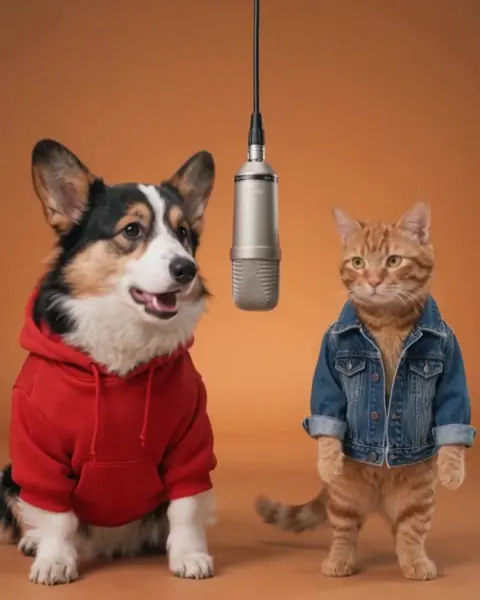
The trend borrows the look of a 2022 performance video: two artists in a bright orange room, sharing one microphone that hangs from the ceiling. AI versions keep that framing and swap in new performers, from best friends to pets to original cartoon characters.
MigosAI is built for that two-person setup. Each photo fills its own side of the frame, and the model animates expressions, gestures and turns at the mic so the clip plays like a duet rather than a slideshow.
The format works best with contrast: a grandparent and a grandchild, a cat and a dog, two coworkers with opposite energy. The more unexpected the pair, the more likely people are to watch it twice.
Unedited results from this generator using the built-in Hotel Lobby template. Your result depends on your photos and settings.
Made with MigosAI · Wan 3.0 · Hotel Lobby
Make your own with the Hotel Lobby AI Video GeneratorMade with MigosAI · Wan 3.0 · Hotel Lobby
Make your own with the Hotel Lobby AI Video GeneratorMade with MigosAI · Wan 3.0 · Hotel Lobby
Make your own with the Hotel Lobby AI Video GeneratorThe photos, the performance
These clips were made by other creators on X and with other AI tools, not with MigosAI. Each one links to its original source. Copyright stays with the original creators; contact us to have a clip removed.
9:16 versions from other creators. Pick 9:16 in the generator to make yours.
WORKFLOW
Most of the work is choosing two good photos. The scene, framing and timing are handled for you.
Use one clear, front-facing image per side. Waist-up shots with good light and no other faces in the frame work best.
Choose a stage, a video model and a sound or motion reference. The credit cost appears before you submit.
After the automated safety review, play the clip, download it and post it to TikTok, Instagram Reels or YouTube Shorts with the platform’s AI label.
Built around one job: putting two performers side by side at the same microphone.
Left and right performers are uploaded separately, so each face keeps its own identity instead of being merged.
01The framing keeps the whole duo visible from start to finish, which makes the format easy to read on a phone screen.
02Choose Hotel Lobby, Luxury lobby, Recording studio or Street cypher. Compatible sound and model settings update with your stage.
03Expressions, gestures and head turns alternate between the two performers, so the clip reads as a conversation in rhyme.
04Wan 3.0, Seedance 2.0 and Seedance 2.0 Fast differ in price, speed and motion detail. Pick the one that suits your clip.
05Upload only people, pets and characters you have permission to use. Finished videos pass an automated safety review before you can download them.
06FAQ
Common questions about photos, music, credits, refunds and how the generator works.
A short AI-generated clip in which two performers share one hanging microphone in an orange room and trade rap lines. MigosAI creates one from two photos you upload.
Putting an unlikely pair into a serious-looking rap setup is funny, and the short vertical format is easy to share. People quickly started making versions with friends, family members and pets.
Yes. Wan uses the template soundtrack, your cropped song or audio from your motion clip. Seedance creates original AI rap from an optional topic. Audio references guide generation without guaranteeing sample-for-sample reproduction. Use music you have permission to publish.
Use your own photos or material you are authorized to use, with permission from every person depicted. Pets and fictional characters also require appropriate image and intellectual property rights. Unauthorized celebrity or public-figure impersonation and misleading endorsements are prohibited. See our Acceptable Use Policy.
Faces can drift toward each other when photos are dark, tightly cropped or very similar. Use two well-lit portraits with one person each, ideally with different outfits or backgrounds.
Yes. Upload two different photos of the same person, one per slot. Changing the outfit or expression between the photos makes the duet easier to follow.
It depends on the model and on current demand. Progress appears after you submit, and you can close the page; the finished video shows up in your video history once it passes review.
Registration does not include free credits. Purchase a credit pack before generating. The required credit amount is displayed before generation so you can check the cost before proceeding.
MigosAI offers one-time credit packs and subscription plans through Stripe. Subscription credits are issued and expire monthly; one-time credits stay in your permanent balance. Completely unused one-time packs may qualify for a refund within 14 days.
One-time credit packs and subscription plans in US dollars. Completely unused one-time packs may qualify for a refund within 14 days.
One-time purchase
One-time purchase
One-time purchase
One-time purchase
Credit packs are one-time purchases. You can buy a pack with or without an active subscription.
Buy and use credits without signing in or registering.
Buy and use credits without signing in or registering.
Save or restore walletUSD prices. Any applicable taxes are shown at checkout.
Nano Banana 2: 1K uses 5 credits, 2K uses 8, and 4K uses 12. Video and music costs depend on your generation settings.
Start with two photos you have the right to use. Registration does not include free credits. Purchase a credit pack before generating.
More from MigosAI
 Starts soonOfferBlack Friday 2026Bonus credits on one-time credit packs
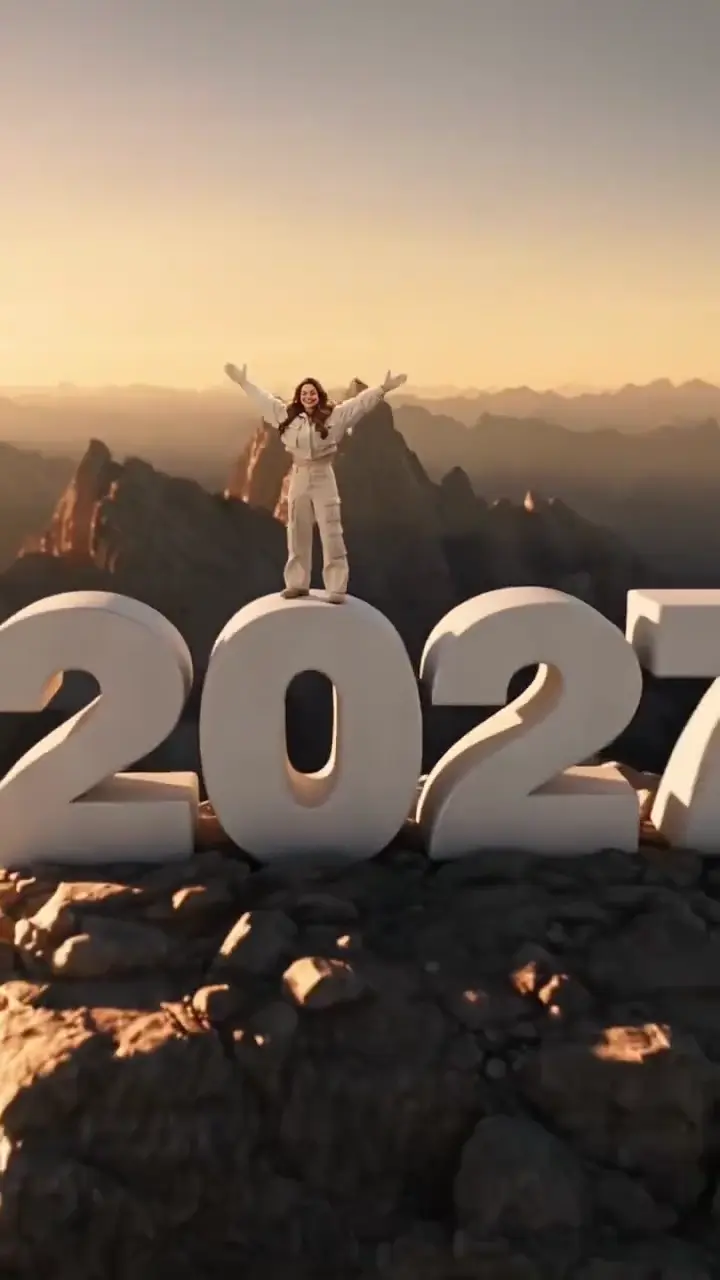 NewGeneratorGoodbye 2026 Welcome 2027Climb above the clouds and welcome 2027.
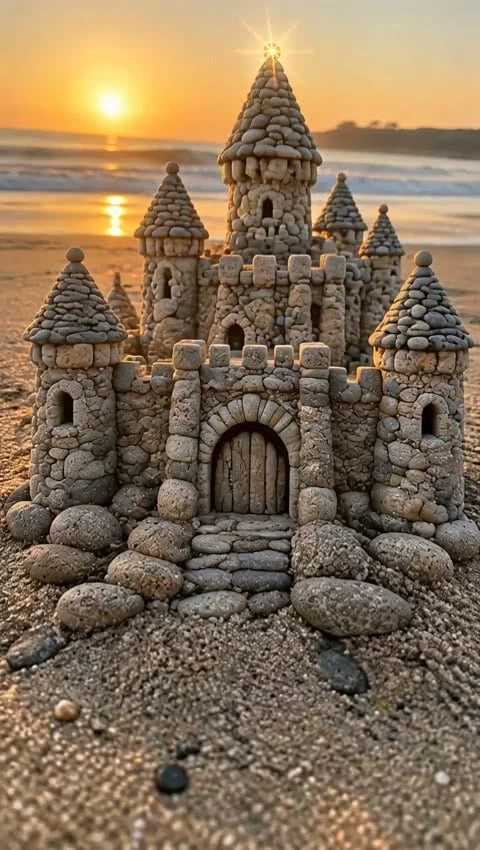 NewGeneratorStones to Castle AIWatch a pile of stones become a castle.
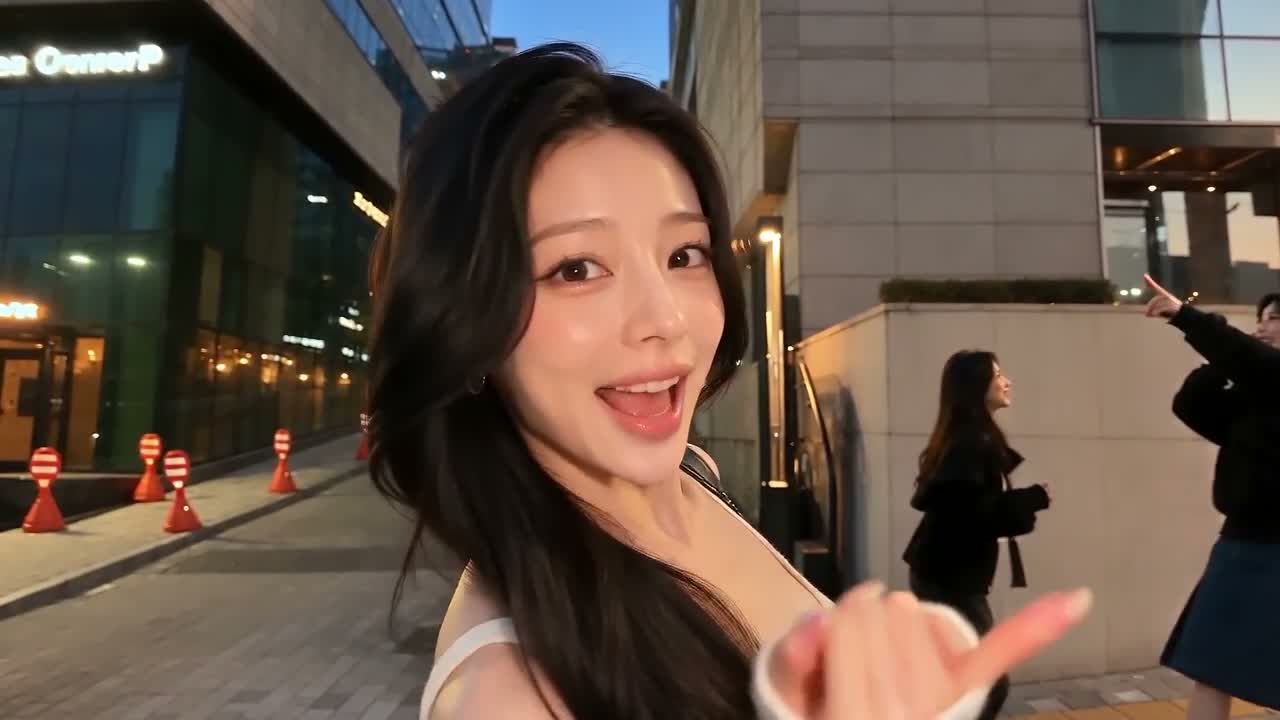 GeneratorGangnam Style AI Video GeneratorThree friends, one selfie or your pets. Make your trio.
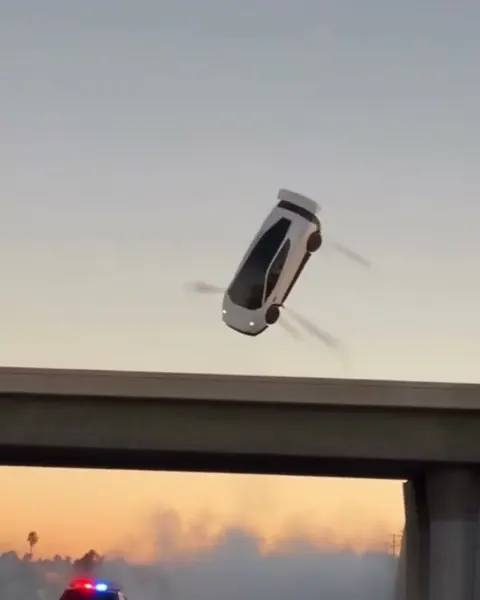 GeneratorFlying Car AI GeneratorTurn a photo into a flying car video
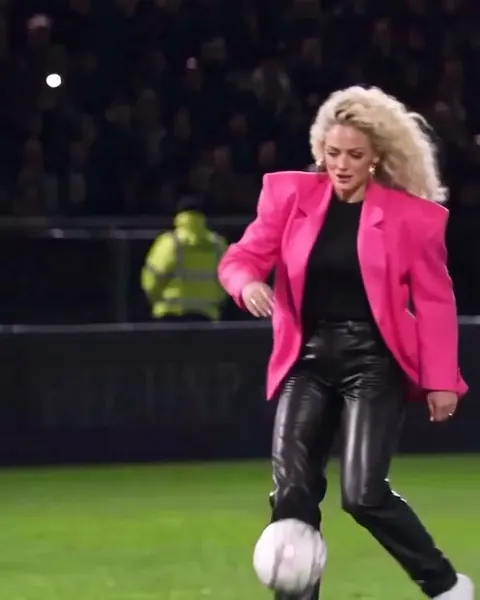 GeneratorOzil Goal GeneratorTurn one photo into the viral Ozil goal video
 Video effectMoney FlexFan out a stack of cash for the camera
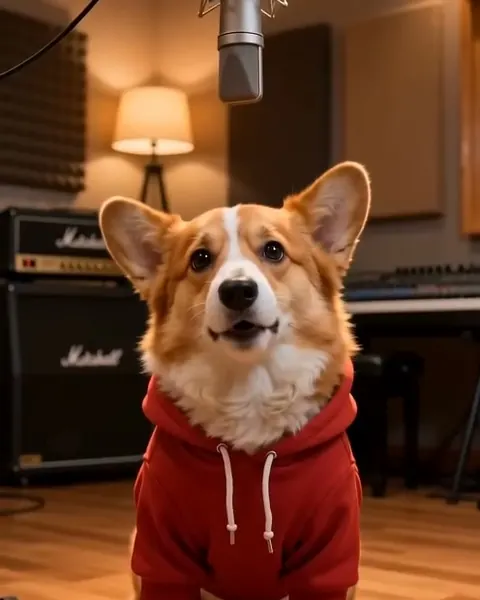 GeneratorAI Rap Song GeneratorMake a full rap song from a prompt or your lyrics